
The Automation Agency Software Stack: What an AI Agency Needs in 2026
Automation agency software explained: the AI agency tech stack by layer, from n8n, Make or Zapier and voice AI to monitoring, client portals and billing.
By Kishan Makani, Founder & CEO
Updated · Published · 9 min read
Short answer
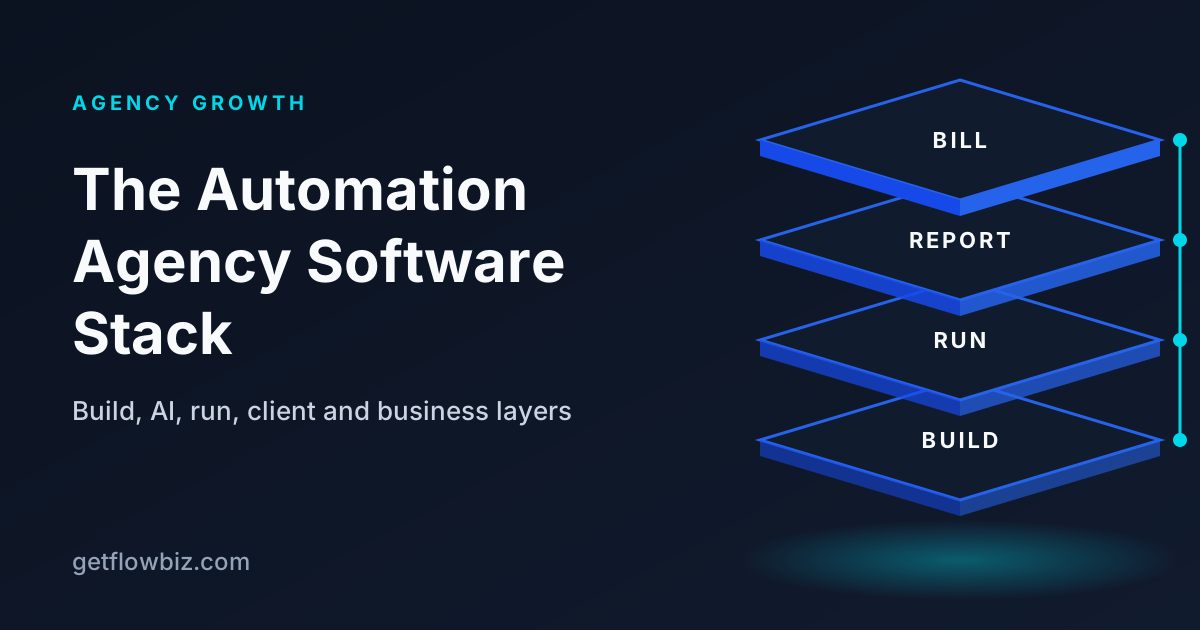
An automation agency software stack has five layers: a build layer (n8n, Make or Zapier, plus Vapi or Retell for voice), AI models and APIs, a run layer for monitoring and alerts across platforms, a client layer for portals and reports, and a business layer for contracts, invoices and payments. Keep the build layer small and connect the rest around it.
Key takeaways
- Think in layers: build, AI, run, client and business.
- Standardise on one or two build platforms; every extra one multiplies maintenance.
- Monitoring across all platforms is the layer agencies most often skip.
- Clients need a place to see results, not access to your workflow editor.
- Per-client cost tracking connects the build layer to your margin.
Ask ten automation agencies what software they use and you will get ten lists of logos. The lists matter less than the jobs the tools do. A stack that works has something covering each job, with as few tools as possible and clear hand-offs between them.
This guide breaks the AI agency tech stack into layers, explains what each layer is for, and lists the questions to ask before you add a tool. It is written for agencies running automations for several clients, not for one internal team.
What software does an automation agency need?
An automation agency needs software for five jobs:
- Build: the platforms where workflows and agents run, such as n8n, Make, Zapier, Vapi and Retell.
- AI and APIs: language models, speech, and the client apps you integrate with.
- Run: monitoring, alerts, run history and retries across every client and platform.
- Client: a portal or reports where clients see what ran, what it saved and what is due.
- Business: CRM, contracts, invoicing, payment collection and per-client cost tracking.
Most agencies start with the build layer and a spreadsheet for everything else. That works for two or three clients. After that, the gaps in the run, client and business layers start to cost real time and real renewals.
What is in the AI agency tech stack, layer by layer?
| Layer | Job | Example tools | Questions to ask |
|---|---|---|---|
| Build | Run workflows and agents | n8n, Make, Zapier, Activepieces, Pipedream; Vapi and Retell for voice | Does it have an API for runs and executions? Can I host it where clients need? |
| AI and APIs | Models, speech, client apps | LLM providers, speech and telephony providers, client CRMs and ERPs | How is it billed? Can I attribute usage to a client? |
| Run | Monitoring, alerts, retries | Platform error handlers, uptime checks, an agency operations platform | Does it cover every platform I use, in one view? |
| Client | Portal, dashboards, reports | Shared docs, BI dashboards, white-label client portals | Can it be branded? Does it show value, not just logs? |
| Business | Contracts, invoices, payments, costs | CRM, e-signature, invoicing, payment providers | Does it handle recurring billing and the currencies my clients use? |
Which build platforms should be in your stack?
As few as you can manage. Every platform you support means another set of credentials to rotate, another changelog to follow and another place where failures hide. Most agencies are best served by one main workflow platform and, if needed, one voice platform.
- n8n suits complex logic, AI agents and clients who need data kept on their own infrastructure, because it can be self-hosted with Docker or on a cloud provider. It also has a public REST API for working with workflows and executions programmatically.
- Make suits visual, multi-step scenarios where the client wants to follow the logic on screen.
- Zapier suits non-technical clients and integrations with apps that are not well covered elsewhere.
- Vapi is a developer platform for voice agents that make and receive phone calls; see the Vapi docs.
- Retell is a platform to build, test, deploy and monitor voice and chat agents; see the Retell docs.
For a detailed comparison, read n8n vs Make vs Zapier for agencies and Vapi vs Retell for agencies.
Why is monitoring the most skipped layer?
Because it is invisible until something breaks. Each platform has its own failure handling. n8n can run an error workflow when an execution fails, Make has error handlers inside scenarios, and Zapier shows errors in Zap history. These work well inside one account. They do not tell you, in one place, which of your clients had a failure overnight across all their platforms.
What the run layer should give you:
- One run history across all platforms and clients.
- Alert rules for failed runs, rising failure rates, workflows that go silent and broken connections.
- Retry and run-on-demand from one place, where the platform allows it.
- Attribution of each workflow to a client, so an alert tells you whose business is affected.
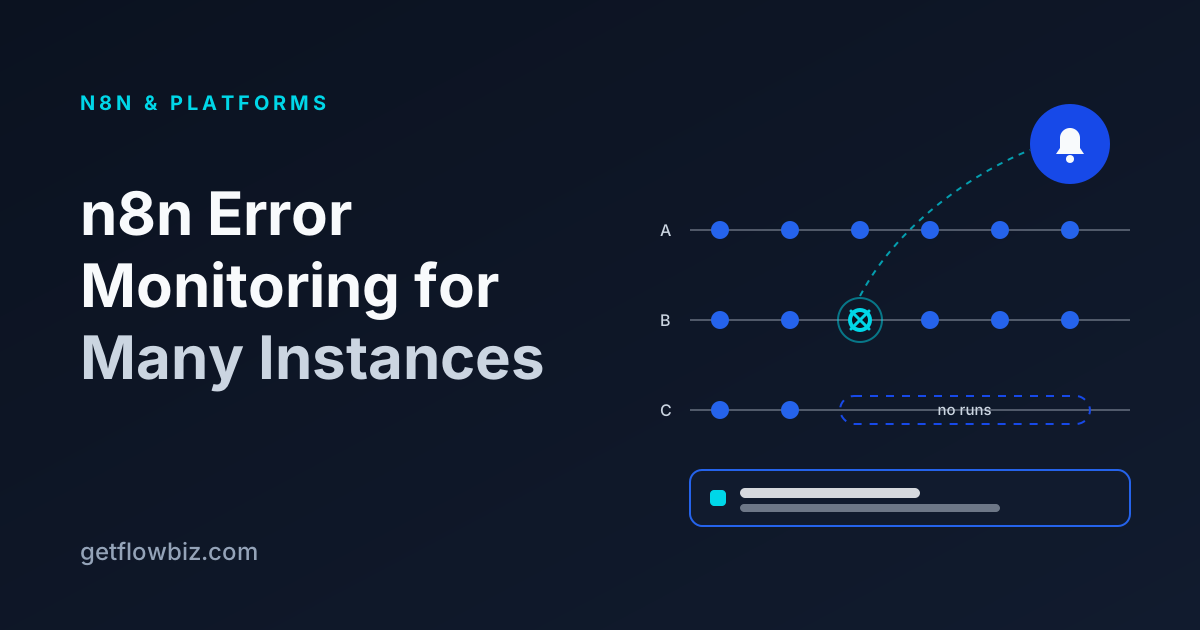
The "silence" alert is the one most agencies miss. A workflow that stops receiving triggers does not fail; it simply does nothing. Only a rule that expects runs within a time window will catch it. Our n8n error monitoring guide covers the setup in more depth.
What do clients actually need to see?
Clients do not need access to your workflow editor. Giving it to them invites accidental edits and confusing screens. What they need is a simple view of results: which automations are live, how many runs succeeded, hours and money saved, call outcomes for voice agents, and what they owe.
| Approach | Effort to set up | Effort each month | Client experience |
|---|---|---|---|
| Manual email or PDF report | Low | High: you build it every month | Arrives on time only if you remember |
| Shared spreadsheet or doc | Low | Medium | Functional, rarely on-brand |
| BI dashboard (built yourself) | High | Medium: breaks when data sources change | Flexible, but one per client to maintain |
| White-label client portal | Low to medium | Low: data syncs from the platforms | Branded, self-serve, includes invoices |
If you are weighing portal options, our roundup of client portal software for AI agencies compares the approaches, and the client portal guide explains what to include.
What belongs in the business layer?
The business layer is where automation work turns into revenue. It has four parts:
- Sales and contracts: a CRM for your pipeline and e-signature for statements of work that define scope, ownership and usage limits.
- Invoicing: setup fee invoices, recurring retainer invoices, and usage or overage lines.
- Payment collection: a provider that supports recurring charges in your clients' currencies. Stripe, for example, generates subscription invoices and attempts collection automatically, with retries for failed payments.
- Cost tracking: platform usage, LLM tokens, telephony and hosting recorded per client, so you can see margin by account.
Should you build your own agency tooling?
Many agencies try. It is tempting: you build automations for a living, so why not automate your own operations? A few n8n workflows that pull executions into a database, a dashboard on top, an invoicing integration. It works until it does not.
The hidden cost is maintenance. Every platform API you poll can change. Every client you add needs new attribution logic. Your internal tool becomes the one system nobody monitors, which is ironic for an agency that sells monitoring. Build your own if operations software is a real advantage for you; otherwise, spend that time on client work.
How do you choose tools without stack sprawl?
- Start from the job, not the tool. Name the gap first, such as "we find out about failures from clients", then look for software.
- Prefer tools that connect by API. Anything that needs manual exports will fall behind.
- Check multi-client support. Many tools are built for one company, not an agency serving many.
- Check white-label options for anything clients will see.
- Check data handling. Where are API keys stored, are they encrypted, and who can see them?
- Count the logins. If your team opens more than a handful of tools to answer "is client X healthy?", the stack is too spread out.
How do you keep client API keys secure across the stack?
An agency stack holds a lot of other people's keys: CRM tokens, email credentials, payment provider keys, platform API keys. A leak in one tool can expose many clients at once. A few rules keep the risk contained:
- Use the platform's credential store rather than pasting keys into workflow nodes or shared docs.
- Scope keys to the minimum the workflow needs, and prefer separate keys per client over one shared key.
- Limit who can see credentials with roles, and remove access the day someone leaves.
- Check how each tool stores keys. Any tool that holds them should encrypt them at rest and never send them back to the browser.
- Keep an audit trail of who changed what, so you can answer a client's security questions with facts.
How does the stack change as the agency grows?
| Stage | What breaks first | What to add |
|---|---|---|
| 1 to 3 clients | Nothing yet; you check everything by hand | Platform error handling and a contract template |
| 4 to 10 clients | Failures noticed late; manual monthly reports | Cross-platform monitoring and a client portal or scheduled reports |
| 10+ clients | Margin per client unclear; invoices chased by hand | Per-client cost tracking, recurring billing, team roles |
| Multiple team members | Everyone has access to everything | Role-based access, client-scoped staff, audit log |
What does a lean stack look like for a small agency?
Example: a three-person agency serving a dozen clients in one niche might run one workflow platform for all builds, one voice platform for the clients that need it, an LLM provider account, a CRM and e-signature tool for sales, and one operations platform covering monitoring, client portal, cost tracking and invoicing. That is around six tools, each with a clear job, instead of fifteen with overlapping ones.
Where GetFlowBiz fits
GetFlowBiz covers the run, client and business layers in one place. You connect n8n, Make, Zapier, Vapi, Retell and other integrations, 24 in total, by API key or secure webhook. It syncs workflows and executions, sends alerts, tracks cost and margin per client, and gives each client a branded portal with dashboards, invoices and 12 payment methods at 0% platform fee. It is free right now through the Founding Member program, and the first 100 accounts stay free forever. Browse the features, compare it with other options, or sign up free.
Frequently asked questions
What software does an automation agency need?
An automation agency needs software for five jobs: a build platform such as n8n, Make or Zapier (plus Vapi or Retell for voice), AI models and APIs, monitoring and alerts across platforms, a client portal or reporting tool, and business tools for contracts, invoicing, payments and per-client cost tracking.
What is the best tech stack for an AI automation agency?
The right AI agency tech stack depends on the niche, but it should stay small: one main workflow platform, one voice platform if needed, an LLM provider, a CRM, and an operations layer for monitoring, client reporting and billing. Fewer tools with clear jobs are easier to maintain than many overlapping ones.
How many workflow platforms should an agency support?
Most automation agencies do best supporting one main workflow platform and, if their offer includes phone calls, one voice platform. Every additional platform adds credentials, updates and failure points to maintain, and it reduces how much you can reuse templates between clients.
How do automation agencies monitor client workflows?
Automation agencies monitor client workflows with each platform's error handling, such as n8n error workflows, combined with a cross-platform view that shows run history, alert rules for failures and silent workflows, and attribution of each workflow to a client, so the team knows whose business is affected.
Should clients get access to n8n or Make directly?
Clients usually should not get direct access to an agency's n8n or Make workspace. Editor access invites accidental changes and shows technical screens clients do not need. A branded client portal or regular report that shows runs, success rate, hours saved and invoices is a safer and clearer option.
Sources
Founder & CEO, GetFlowBiz
Kishan builds GetFlowBiz, the client portal and operations platform for automation and AI agencies. He writes about running, pricing and reporting on automation work. More from Kishan