
White Label n8n: How to Give Clients a Branded n8n Client Portal
White label n8n the right way: what the n8n license allows, how building, embedding or buying an n8n client portal compare on effort, cost and features.
By Kishan Makani, Founder & CEO
Updated · Published · 9 min read
Short answer
You can't legally rebrand the n8n editor and hand it to clients, but you can white-label everything around it. Run workflows on your own n8n instance, then give each client a branded n8n client portal that shows results, run history, value delivered and invoices. You can build that portal, embed a BI dashboard, or use a dedicated agency portal.
Key takeaways
- n8n's license FAQ allows agencies to build and run workflows for clients on their own instance, but not to white-label n8n itself or let clients build workflows in it.
- A white-label n8n setup means branding the reporting layer: results, run history, hours saved and billing, under your logo and domain.
- Building your own portal is flexible but means owning auth, multi-tenancy, sync, alerting and payments indefinitely.
- Embedded BI dashboards are quick to start but weak on per-client security, alerts and billing.
- Dedicated portals differ mainly in platform coverage, payment fees and monitoring depth, so compare those first.
Most agencies that search for "white label n8n" want one thing: a place where a client can log in, see that their automations are working, and understand what they are paying for, without ever seeing the word n8n or a node canvas. That is a reasonable goal. The trap is assuming the answer is to rebrand n8n itself.
This guide covers what the n8n license actually permits, what a client-facing n8n portal should contain, and the three practical ways to get one: build it, embed it, or use a dedicated portal. Competitor details are taken from their public pages as of November 2026.
Can you white label n8n?
Not the editor, at least not under the free license. n8n's license FAQ is explicit about both sides. It permits building, running and maintaining workflows on your own n8n instance on behalf of clients. It does not permit white-labeling n8n by removing its branding and offering it as is, hosting n8n as a service so clients can build their own workflows, or letting external end users build or configure workflows through your product. It also notes that a custom UI layer on top does not change the nature of that use.
n8n does sell an OEM offering for software companies that want to embed the workflow builder in their own product. Its OEM page states that n8n branding remains visible in the editor, and that OEM is not the right fit if full white-labeling is a hard requirement. If you need that, talk to n8n directly.
What should an n8n client portal show?
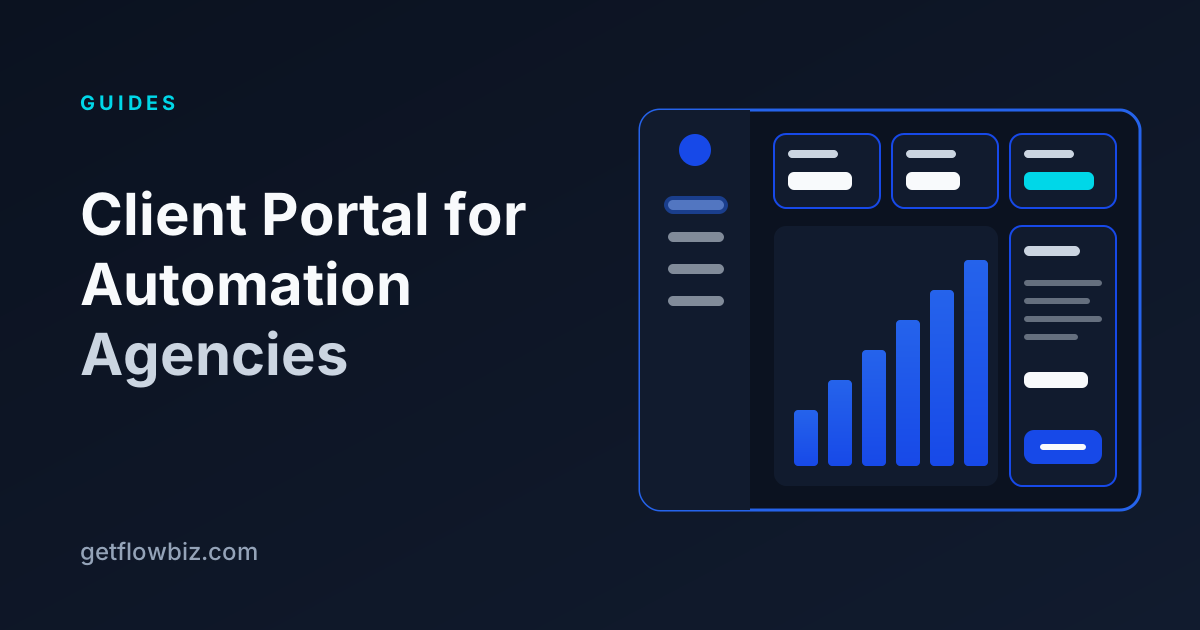
A client portal is not a copy of the n8n executions list. Clients do not care which node threw a 401. They care whether the lead follow-up ran, whether anything is broken, and whether the retainer is worth it. A good portal answers four questions on the first screen.
- Is it working? Automations live, runs this period, success rate, and any open incident in plain language.
- What did it do? A readable activity log per automation: when it ran, whether it succeeded, and a short description.
- What is it worth? Hours saved and money saved, calculated from minutes saved per run and the client's hourly value.
- What do I owe? Current plan, open invoices, payment history and a way to pay.
Equally important is what the portal hides: credentials, raw execution payloads that may contain personal data, internal workflow names like lead-sync-v3-FINAL, and other clients. Tenant isolation is the feature clients never notice until it fails.
Option 1: Build your own n8n portal
Building is the default instinct for technical agencies, and n8n makes the data side approachable. The public REST API exposes workflows and executions, authenticated with an X-N8N-API-KEY header, and it is available on n8n Cloud paid plans and on every self-hosted edition (not on the Cloud free trial). Results are paginated with a cursor, up to 250 items per page.
# List recent failed executions for one workflow
curl -s "https://your-instance.app.n8n.cloud/api/v1/executions?status=error&workflowId=123&limit=50" \
  -H "accept: application/json" \
  -H "X-N8N-API-KEY: $N8N_API_KEY"
Reading data is the easy 20 percent. The rest of a production portal is the part that eats weekends:
- Multi-tenant auth: client logins, password resets or magic links, teammates, and strict per-client data scoping.
- A sync worker that pages through executions, handles rate limits (n8n returns
429when you hit one), and dedupes runs. - A mapping layer that says which workflows belong to which client, plus value settings like minutes saved per run.
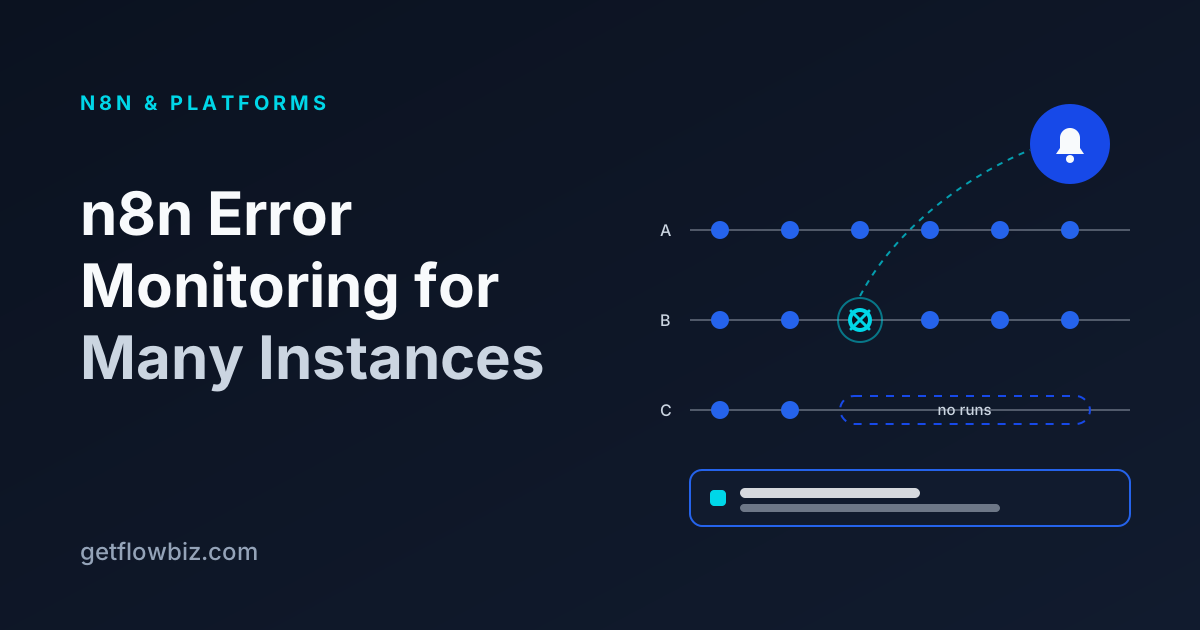
- Alerting for failures and for workflows that stop running, with someone on your side actually notified.
- Branding, custom domains and TLS per client if you want the portal on
portal.youragency.comor the client's own domain. - Invoices, payment provider integration and webhook verification if billing lives in the portal too.
- Encrypted storage for every client's n8n API key, and a plan for rotating them.
None of this is hard individually. Together it is a small SaaS product that you maintain forever, usually for an audience of ten to fifty clients. Build if the portal itself is part of what you sell, or you have unusual requirements no product covers.
Option 2: Embed a dashboard
The middle path is to push n8n data somewhere visual and embed that. A common pattern is an n8n workflow that writes run summaries to a database or spreadsheet, a BI tool on top, and a shared or embedded link per client.
It is quick to stand up and the charts can look good. The weaknesses show up later. Per-client security is often a shared link or a filter, which is easy to get wrong. There are no alerts, no retry, no invoices and no payments. And because the data is pushed by your workflows, a broken workflow can also mean a broken report, which is exactly when the client is looking.
Option 3: Use a dedicated n8n client portal
Several products now target agencies directly. They connect to your n8n instance (by API key or webhooks), store the mapping of workflows to clients, and give each client a branded login. The table below summarises what each publicly lists, checked on 14 November 2026. "Not listed" means we found no public mention, not that the feature is impossible.
| Getflowetic | FlowEngine | DashLynk | GetFlowBiz | |
|---|---|---|---|---|
| Focus | Branded portals for Vapi, Retell, Make and n8n agencies | Open-source, self-hostable portal and hosting layer for n8n | White-label dashboard for n8n chatbot agencies | Operations platform and client portal for automation and AI agencies |
| Platforms | 4 (Vapi, Retell, Make, n8n); more listed as coming soon | n8n (plus Docker/bot instances) | n8n (via webhooks) | 20+ (n8n, Make, Zapier, Vapi, Retell and others) |
| How n8n connects | API key | Instance URL + API key | Webhooks | Instance URL + API key, optional webhook |
| Custom domain | Yes | Not listed | Yes | Yes, automatic TLS |
| Client payments | Stripe (Connect) | Stripe | Not listed | 12 providers |
| Fee on client payments | 5% (Agency), 2% (Scale), 0% (Enterprise) | Not listed | Not listed | 0% |
| Failure alerts and retry | Not listed | Not listed | Not listed | Yes |
| Self-hostable | Not listed | Yes (open source) | Not listed | Yes (Docker) |
| Embeddable chat widget | Not listed | Yes (UI embeds) | Yes | No |
Each has a clear fit. If you run chatbots on n8n and want a widget builder with conversation logs, DashLynk is built around that. If you want to self-host an open-source n8n portal and hosting layer, FlowEngine is aimed there. Getflowetic covers voice and workflow agencies on four platforms with Stripe Connect billing. Check each vendor's site for current details; the full side-by-side is on our compare page.
Build vs embed vs buy: which should you pick?
| Build | Embed a BI dashboard | Dedicated portal | |
|---|---|---|---|
| Time to first client login | Weeks | Days | Usually the same day |
| Per-client data isolation | You build and test it | Often link- or filter-based | Built in |
| Failure alerts | You build it | No | Depends on product |
| Invoices and payments | You build it | No | Depends on product |
| Ongoing maintenance | Yours, indefinitely | Low, but reports break with workflows | Vendor |
| Flexibility | Total | Charts only | Within product limits |
A simple rule: if you have fewer than five clients and they only want a monthly summary, a well-written email report may be enough. Once clients ask "is it working right now?" or you start chasing invoices, you need a real portal, and the build cost rarely pays back unless the portal is your product.
How to set up a white-label n8n client portal
Whichever tool you choose, the setup follows the same sequence. Here it is using GetFlowBiz as the example, since that is the one I can describe precisely.
- Create an API key in n8n. Go to Settings, then n8n API, and create a key labelled for the portal. On n8n 2.14.0 and later you can limit scopes on all plans; give it read access to workflows and executions, plus write if you want retries from the portal.
- Connect the instance. Paste the instance URL (without
/api/v1) and the key into the n8n integration. Add more instances if you run one per client or per region. - Assign workflows to clients. Map each synced workflow to a client and set minutes saved per run, cost per run and the client's hourly value, so hours and money saved are calculated, not guessed.
- Add a real-time failure hook (optional). Create an n8n Error Trigger workflow that POSTs to the webhook URL shown after connecting, so failures appear in seconds instead of on the next sync.
- Brand the portal. Upload your logo, set colours, and point a custom domain at the platform with a CNAME and a TXT verification record. TLS is issued automatically.
- Invite the client. Clients sign in with a magic link and can invite their own teammates. Use "View as client" first to check exactly what they will see.
Common mistakes with n8n client portals
- Giving clients n8n logins instead. It confuses them, it exposes credentials and internals, and n8n's license FAQ says clients should get outputs rather than n8n access.
- Showing raw error messages. Translate them. "CRM connection needs reauthorising" is useful to a client; a stack trace is not.
- Reporting runs without value. A run count says the system is busy. Hours and money saved say why the retainer exists.
- Forgetting silence. A workflow that stops triggering produces no errors at all. Alert on missing runs, not only failed ones.
- One API key for everything. Use a separate, labelled key per connection so you can revoke one without breaking the rest.
Where GetFlowBiz fits
GetFlowBiz is the option we built for agencies that run more than one platform. It connects n8n, Make, Zapier, Vapi, Retell and 20+ other platforms by API key or secure webhook, syncs workflows and executions, alerts on failures, failure rates and silence, and gives each client a white-label client portal with live dashboards, hours and money saved, invoices and 12 payment methods at 0% platform fee.
It is free right now through our Founding Member program: the first 100 accounts stay free forever. You can see the compare page for the detailed table, browse all integrations, or sign up free and connect your first n8n instance in a few minutes.
Frequently asked questions
Is it legal to white label n8n for clients?
Rebranding the n8n editor and offering it to clients is not allowed under n8n's free Sustainable Use License, according to n8n's license FAQ. Building and running workflows for clients on your own n8n instance is allowed, so agencies white-label the reporting layer, such as a client portal, rather than n8n itself.
What is an n8n client portal?
An n8n client portal is a branded web app where an agency's clients log in to see the results of the n8n workflows built for them: which automations are live, recent runs, success rate, issues, hours saved and invoices. Clients never access the n8n editor or credentials.
Can I let clients build their own workflows in my n8n instance?
Not under the free license. n8n's license FAQ lists allowing external end users to build or configure their own workflows, and hosting n8n so clients can build workflows, as not permitted. For that use case n8n offers a paid OEM arrangement, which keeps n8n branding visible in the editor.
How does a portal get data from n8n?
Most portals use the n8n public REST API with an API key sent in the X-N8N-API-KEY header to read workflows and executions, often combined with an Error Trigger workflow that posts failures to a webhook for real-time alerts. The API is available on self-hosted n8n and on paid n8n Cloud plans.
Should I build my own n8n client portal or buy one?
Build one only if the portal is part of what you sell or your requirements are unusual. Reading the n8n API is simple, but a production portal also needs multi-tenant auth, sync, alerts, branding, custom domains and billing, which is ongoing maintenance. For most agencies a dedicated portal is faster and cheaper.
Sources
Founder & CEO, GetFlowBiz
Kishan builds GetFlowBiz, the client portal and operations platform for automation and AI agencies. He writes about running, pricing and reporting on automation work. More from Kishan